
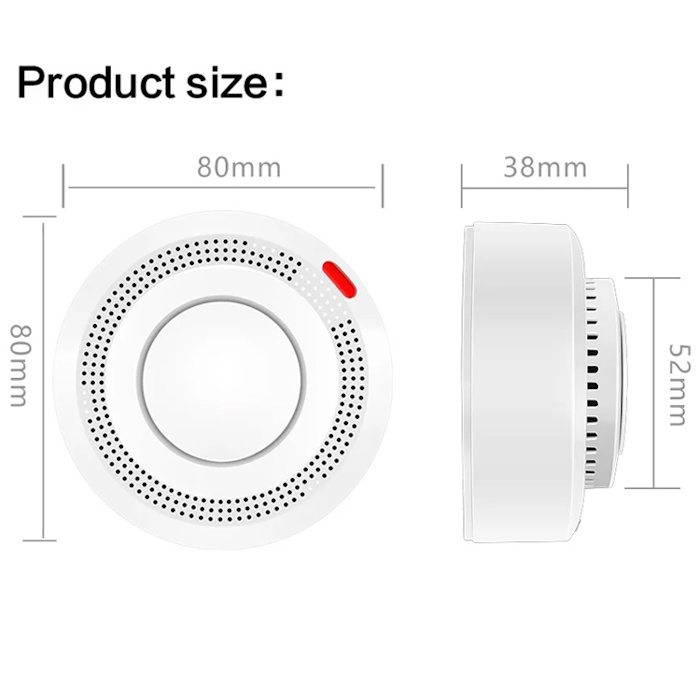
Andowl Smart Wi-Fi Smoke Detector
$250.00
For product availability, please contact us first.
- Prices are in Trinidad and Tobago Dollars TTD
- In-Store Purchase ONLY!
- To get in touch with us, visit our Contact/ Location Page
- For ALL of our items, we provide a Layaway Plan
Description
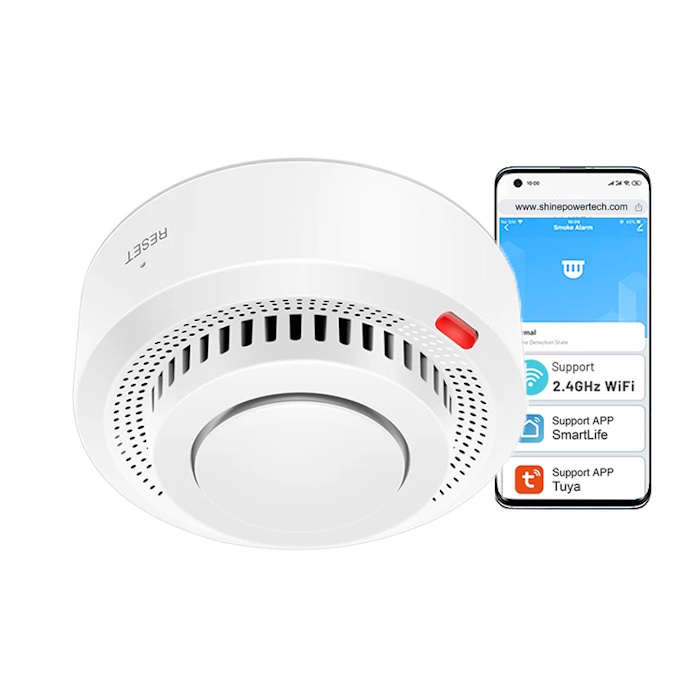
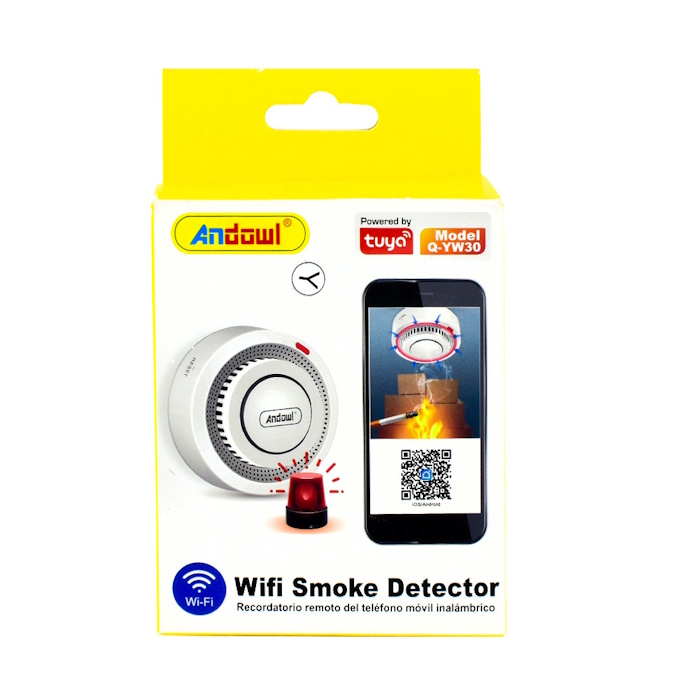
Andowl Smart Wi-Fi Smoke Detector, Q-YW30
Andowl Smart Wi-Fi Smoke Detector, which is powered by the Tuya smart home platform.
Key Features
- Connectivity: Connects via 2.4 GHz Wi-Fi to send instant push notifications to your smartphone through the Tuya / Smart Life app.
- Alarm Volume: Built-in siren with an output of around 85 dB to 90 dB.
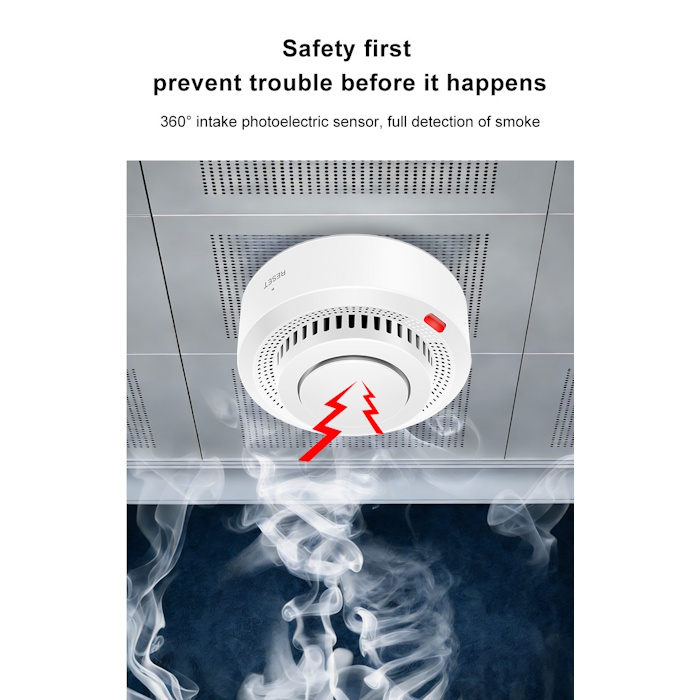
- Coverage Range: Suitable for rooms up to 20 m² (ceiling installation).
- Smart Home Integration: Compatible with app notifications and remote status monitoring.
- Power Source: Operates wirelessly via internal batteries (typically 3V / LR03 AAA batteries) with an ultra-low standby current draw to optimize battery longevity
To set up and pair the Andowl Q-YW30 Wi-Fi Smoke Detector with the Tuya Smart or Smart Life app, follow these steps:
1. Prerequisites
-
- Wi-Fi Network: Ensure your phone is connected to a 2.4 GHz Wi-Fi network. Smart smoke detectors do not support 5 GHz Wi-Fi.
- Bluetooth & Location: Enable Bluetooth and Location Services on your phone to assist with discovery.
- App Account: Download and log in to either the Tuya Smart or Smart Life app (available on iOS and Android via the QR code on the box).
2. Prepare the Smoke Detector
-
- Twist the smoke detector counterclockwise to remove it from its mounting base.
- Insert a fresh 9V battery (or remove the plastic battery insulation pull-tab if already present). The device should beep or flash briefly to indicate it has power.
3. Put the Device into Pairing Mode
-
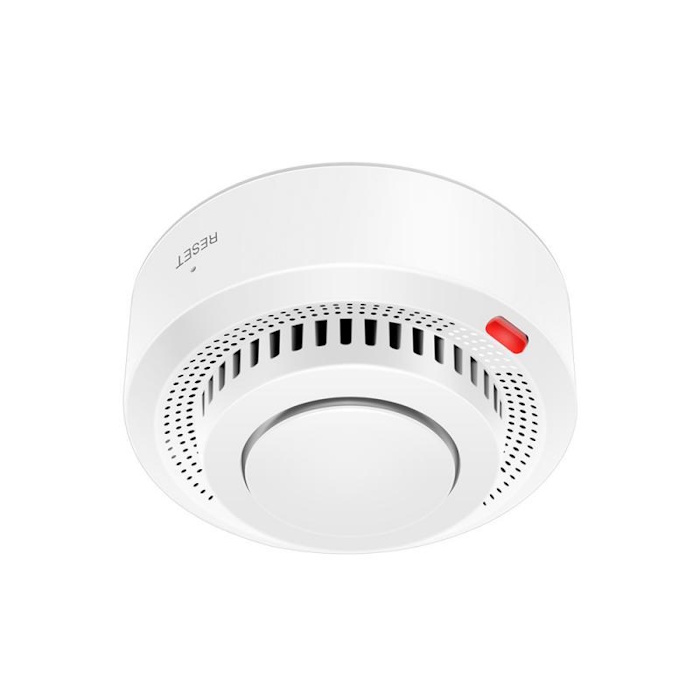
- Locate the RESET/TEST button on the front cover of the smoke detector.
- Press and hold the button for about 5 to 7 seconds until the LED indicator light starts flashing rapidly (usually red or blue depending on firmware version). This rapid flashing indicates it is ready for Wi-Fi pairing.
4. Connect via the App
-
- Open your Tuya Smart or Smart Life app.
- Tap the “+” (Add Device) icon in the top right corner.
- If auto-discovery pops up finding a “Smoke Detector,” tap Add.
- If it does not auto-discover, select Add Manually -> Security & Sensors (or Sensors) -> Smoke Detector (Wi-Fi).
- Enter your 2.4 GHz Wi-Fi network name and password, then tap Next.
- Confirm on the app screen that the light on the smoke detector is flashing rapidly.
- Wait a few moments for the pairing progress bar to finish. Once successful, you can rename your smoke detector (e.g., “Kitchen Smoke Alarm”) and finish.
5. Final Test
-
- Press the TEST button once to perform a self-check. The detector should beep loudly, and you should receive an instantaneous push notification alert on your smartphone.
Related products
-
Maxsonic 5 cu ft Refrigerator
$2,500.00 -


-
Sale!


Small Pocket Digital Scale
Original price was: $130.00.$99.00Current price is: $99.00. -


Energy Saving Curly Bulbs
$35.00